An AI agent can amplify a malware analyst's skills, but the analyst must direct it and verify its findings. These tips cover how to split the work, set up a contained lab, delegate tasks, and question conclusions.
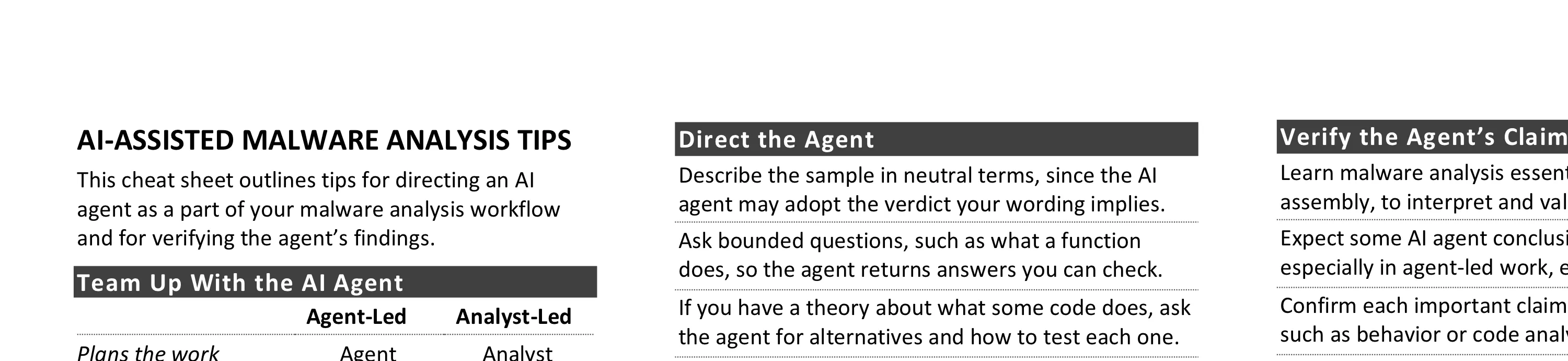
This cheat sheet outlines tips for directing an AI agent as a part of your malware analysis workflow and for verifying the agent’s findings. To print it, use the one-page PDF version. You can also edit the Word version to customize it for your own needs.
Team Up With the AI Agent
| Agent-Led | Analyst-Led | |
|---|---|---|
| Plans the work | Agent | Analyst |
| Runs tools | Agent | Both |
| Interprets output | Agent | Both |
| Verifies findings | Analyst | Analyst |
| Owns conclusions | Analyst | Analyst |
Set Up a Contained Lab
- The lab is a controlled environment for running tools and detonating malware (e.g., REMnux, FLARE-VM).
- Perform the analysis work in a network-isolated lab; snapshot each system’s clean state.
- Run the AI agent in the lab, because the sample may contain prompt injection meant to hijack it.
- Allow only the connections the agent needs, such as to the AI provider (e.g., restrict-egress).
- Hide earlier reports and other analysis artifacts from the agent or it may reuse their conclusions.
- MCP servers give the agent access to the lab’s tools; the REMnux MCP server also includes tool guidance.
- Use an AI provider or local model consistent with your organization’s or clients’ expectations.
- Have the agent ask for your approval before it uploads files, installs tools, or runs the sample.
- In agent-led runs, consider capping run time, so the agent can’t retry a failing approach for hours.
Direct the Agent
- Describe the sample in neutral terms, since the AI agent may adopt the verdict your wording implies.
- Ask bounded questions, such as what a function does, so the agent returns answers you can check.
- If you have a theory about what some code does, ask the agent for alternatives and how to test each one.
- Ask the agent to cite the tool output behind each finding, then confirm that output is in its log.
- Have the agent search large logs rather than read them whole, so they don’t fill its context window.
- For a fresh perspective, start a new session with only the findings you want the agent to consider.
- If AI safeguards halt the agent, retry, narrow the request, or join your provider’s researcher program.
Delegate the Right Tasks
- Triage: Drafting initial findings for you to verify.
- Parsing: Writing a script that parses bulky tool output, such as an emulator’s report.
- Decoding: Writing a script that recovers encoded strings or code in a deterministic way.
- Behavior analysis: Querying Process Monitor logs, via an integration such as ProcmonMCP.
- Code review: Analyzing and explaining code in Ghidra via an integration such as GhidrAssistMCP.
- Debugging: Capturing runtime details in a debugger via an integration such as x64dbg Automate MCP.
- Automation: Writing a script (e.g., for a debugger) that repeats a procedure you performed by hand.
- Detection: Drafting YARA, Sigma, or other rules to detect the sample or the adversary on other systems.
- Reporting: Drafting a report to capture and share the analysis findings using a report template.
Verify the Agent’s Claims
- Learn malware analysis essentials, including assembly, to interpret and validate agent findings.
- Expect some AI agent conclusions to be wrong, especially in agent-led work, even if they sound right.
- Confirm each important claim with another method, such as behavior or code analysis.
- Run core tools yourself to learn what they cover, then delegate broader work and check key claims.
- Check that each indicator came from the sample, not from a tool’s own banner or help text.
- Check that the agent doesn’t report a tool that failed or timed out as having found nothing.
- Confirm the agent covered every item you assigned before accepting that it’s done.
- When a claim proves wrong, have the agent drop it and recheck any conclusion that relied on it.
- Challenge the agent when it calls packing or anti-debugging malicious, as clean software uses both.
- When the agent uses threat intel, check which findings it derived from the sample itself.
- Use the model’s training for general knowledge, but supply threat intel newer than its training.
Question Each Conclusion
- What exactly is the claim?
- Which evidence supports it?
- Is the evidence a string, code capable of the claimed behavior, or the sample observed doing it?
- Does any tool output or your own analysis contradict the claim? What remains unknown?
- Before acting on the claim, such as by blocking a domain, what should you verify yourself?
This cheat sheet is distributed under the Creative Commons Attribution 4.0 International License.