To analyze malware effectively, AI agents need practitioners' expertise and access to the analysis tools. The REMnux MCP server provides both, connecting AI to 200+ tools on REMnux with guidance on which to run and how to interpret their output.
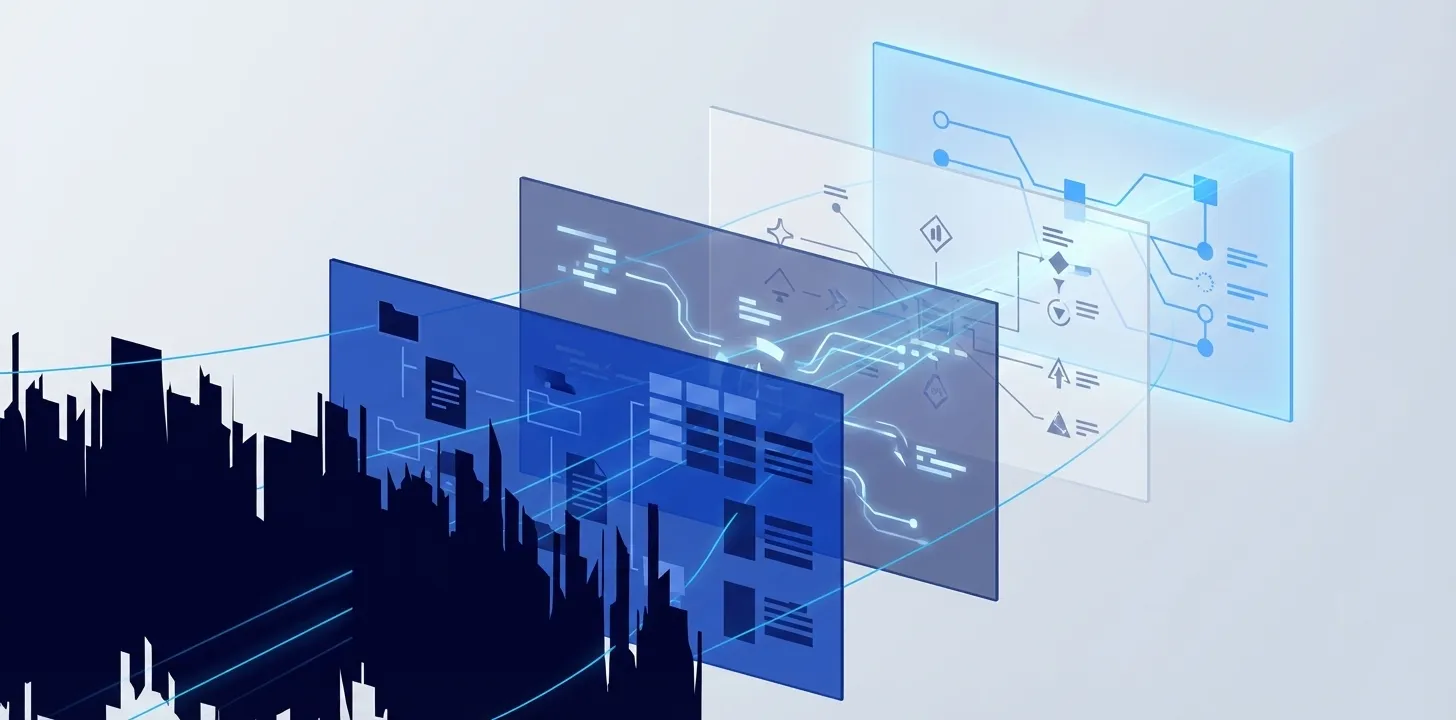
AI agents can reason about malware analysis. They can plan an investigation, interpret tool output, and write custom code when standard tools fall short. But they need two things generic models lack: practitioner knowledge and access to analysis tools.
I built the REMnux MCP server to provide both. It connects AI agents to the 200+ tools on REMnux, and it encodes practitioner knowledge: which tools apply to each file type, how to invoke them, and how to interpret their output. It can also generate a draft of a malware analysis report.
How the Pieces Fit Together
AI-assisted malware analysis involves five distinct roles:
-
The analyst directs the investigation. They frame the questions: “What does this executable do? Does it communicate with a C2 server? What persistence mechanisms does it use?” They validate findings, make judgment calls about what matters, and decide what to pursue next.
-
The AI agent carries out the analyst’s intent. It plans an analysis approach, selects and runs tools, interprets output, and correlates findings. When standard tools fall short, it can write custom code, such as a Python script to reconstruct a PE from file fragments or a decoder to deobfuscate an artifact. It also adapts when initial approaches fail, trying alternative tools or techniques.
-
The REMnux MCP server provides the domain expertise and bridges the AI agent to the tools. It knows which REMnux tools apply to a given file type. It maps practitioner workflows: tool pipelines, flag selection, output parsing. When tools like
capaflagGetProcAddressas a capability, the server reminds the AI that this API import appears in most Windows programs, not just malware. This neutral framing counteracts confirmation bias, prompting the AI to consider benign explanations before concluding malicious intent. -
REMnux is the environment where the analysis tools run. The container or VM is disposable: if a sample does something unexpected, discard the environment and start fresh. When properly isolated, it limits damage if a prompt injection attack manipulates the AI into running something unintended.
-
The report is how the analyst shares the findings. The AI agent can draft a well-formed report using my template and writing guidance. These capabilities are also bundled with the REMnux MCP server.
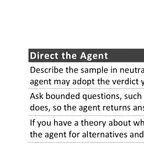
The AI can chain dozens of tool calls into a single automated investigation and find creative approaches to analysis challenges. This speeds up work for experienced researchers and gives entry-level analysts access to techniques they might not have otherwise. AI expands an analyst’s toolkit but doesn’t replace their judgment. Analysts should treat its conclusions as hypotheses to verify. My AI-Assisted Malware Analysis Tips cheat sheet explains how to direct an agent and verify its findings.
See It in Action
Below is a replay of an AI agent using the REMnux MCP server across four scenarios: a Cobalt Strike beacon, a steganographic loader, an IoT botnet binary, and a disguised trojan stealer. (You can open it in a new tab.)
Notice how the analyst provides direction, the AI interprets findings and decides what to run next, and the MCP server offers guidance and handles tool execution and output parsing.
For detailed walkthroughs of longer analysis sessions, dig into:
- Analyzing an Obfuscated AutoIt Info-Stealer: IExpress unpacking, batch script deobfuscation with 50+ variable substitutions, PE reconstruction, and info-stealer capability identification (30+ tool calls, ~8 minutes)
- Analyzing a Trojanized Chrome Installer: Proprietary archive format reverse engineering, Cloudflare tunnel C2 identification, and VBScript orchestrator analysis (27 tool calls, ~10 minutes)
Getting Started
The latest REMnux comes with the MCP server pre-configured alongside OpenCode and GhidrAssistMCP for AI-assisted reverse engineering in Ghidra. On REMnux, run opencode to start, and it will connect to the REMnux MCP server automatically. If you prefer a different AI tool, the setup guide walks through connecting MCP-compatible clients.
Choose an AI provider whose data handling policies you trust, especially when analyzing malware samples that may contain sensitive information from victims. When using an external AI service, your prompts and tool output travel to the provider’s API. The malware sample itself stays on REMnux, but extracted strings, IOCs, and analysis summaries do not. Run REMnux as a disposable VM or container. That’s good practice with or without AI.
How the REMnux MCP Server Works
The analyze_file tool runs automated multi-tool analysis at quick, standard, or deep depth, selecting the right tools for the detected file type and returning consolidated results with extracted IOCs. At standard depth, a single call runs about 16 tools against a PE file. Encrypted documents and packed executables get automatic preprocessing before analysis begins.
The suggest_tools tool recommends tools without executing them, so you or your AI agent can review the plan before committing. Other tools handle specific tasks: run_tool executes any command, extract_iocs pulls indicators from text, and get_tool_help retrieves usage flags for any installed tool.
The server also interprets exit codes correctly per tool. Many analysis tools return non-zero on findings (YARA matches, packed binaries), not failures. A generic shell MCP would treat these as errors.
When total tool output exceeds about 32KB, the server automatically switches to summary mode to stay within the AI agent’s context window. It preserves key findings and IOCs but saves full output to files you can retrieve for deeper review. This prevents context overflow while keeping raw data accessible.
The simplest setup runs everything on REMnux. OpenCode, a terminal-based AI coding assistant, comes pre-installed and the MCP server is already configured. External AI tools like Claude Code and Cursor can connect to REMnux via Docker exec or SSH using the npm package @remnux/mcp-server.
Container or VM isolation is the primary security boundary. The MCP server adds anti-injection patterns, output budgets, and some prompt injection safeguards. But you need to be mindful of your threat model. See Using AI with REMnux for full setup details and the GitHub repository for the source.
Key Takeaways
- AI agents can accelerate malware analysis: tool selection, output parsing, IOC extraction, custom code generation, and report drafting. The analyst drives the investigation and validates findings.
- The REMnux MCP server gives AI agents the two things they need: specialized malware analysis knowledge and access to the tools installed on REMnux.
- Four roles in the workflow: the analyst (questions and judgment), the AI agent (execution, planning, and interpretation), the MCP server (domain expertise and tool access), and REMnux (analysis environment).
- AI accelerates the investigation, designing analysis workflows, invoking tools, and interpreting findings. It makes entry-level and experienced analysts more efficient.
- REMnux now includes the MCP server, OpenCode, and GhidrAssistMCP for AI-assisted analysis.