Conversation replays add an engaging dimension to training materials and docs. Save the conversation and your annotations in a data file, then use my tool to generate a self-contained HTML player you can embed anywhere.
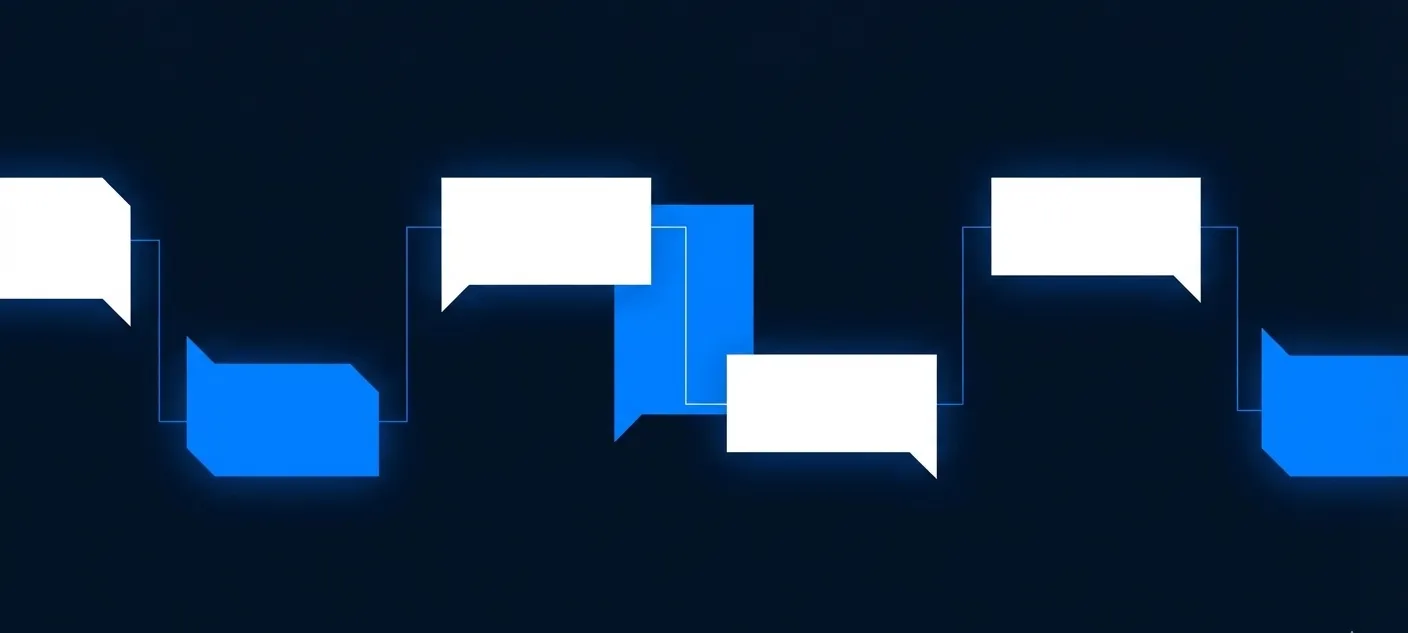
Security training often involves showing how attacks unfold through text conversations—malicious emails, social engineering calls, BEC interactions, and so on. Showing how attackers build trust over multiple messages helps people understand the pattern. Screenshots lose the temporal element and traditional videos are hard to maintain.
I released conversation-replay, a command-line tool you can use to generate animated replays from text conversations. You can even add annotations at key moments to highlight what the viewers should notice, such as a red flag in the scammer’s message, a suspicious request, or a clever social engineering tactic.
The tool produces a self-contained, embeddable HTML player.
Example: Scammer’s Chat Interactions
For example, the following replay shows a classic “I’m stuck in London” scam chat, based on a transcript documented by Rakesh Agrawal. The scammer used a compromised account to impersonate the victim’s friend. (You can open it in a new tab.)
Example: Reddit AMA Highlights
You can use conversation replays in other ways. For instance, below is a replay of the highlights from a Reddit AMA I did several years ago about cybersecurity careers and practical security advice. This examples shows that you can structure the conversation into multiple sections. (You can open it in a new tab.)
Example: AI-Assisted IR Report Writing
The following replay demonstrates how an AI assistant can help write incident response reports, from my post on writing good IR reports with AI. (You can open it in a new tab.)
Getting Started
To create a replay, you define your conversation in a YAML file. It’s a structured text format that specifies who was talking, what they said, and where your annotations should appear. The schema is documented within the tool itself. If you’re not comfortable writing YAML directly, your AI assistant will do this for you if you give it the conversation transcript.
Once you have the YAML file, run a command like this to generate the replay file:
npx conversation-replay build conversation.yaml -o output.htmlThis works on any system with Node.js installed. The npx command downloads the tool automatically, so no separate installation needed.
Consider where animated replays might improve your training materials. Sometimes showing how a conversation unfolds matters more than summarizing what was said, providing the raw transcript, or using AI to generate a lengthy podcast out of it.