As much as we try to be proactive about cybersecurity, writing, or career planning, we get distracted, or procrastinate. These cheat sheets and checklists are designed to assist professionals in difficult situations, even if they find themselves unprepared.
Writing Tips for Technology Professionals
Readers skim content or ask AI to summarize it before deciding whether to read it. To get your message across, know how to write clearly, succinctly, and professionally.
Practical Tips for Creating and Managing Security Products
This cheat sheet offers advice for security product managers at startups and enterprises. It covers product manager responsibilities, defining capabilities, market segmentation, go-to-market strategy, pricing, delivery, trust, platform strategy, and how product management differs at startups vs. large firms.
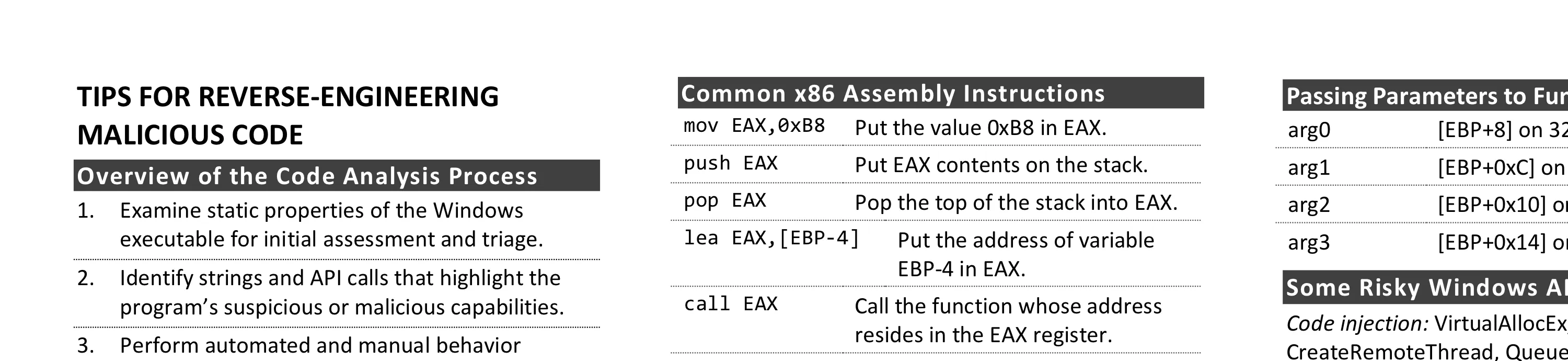
Tips for Reverse-Engineering Malicious Code
Reversing malicious Windows executables involves examining static properties, identifying suspicious strings and API calls, performing behavior analysis, and using disassemblers and debuggers. You’ll also find registers, common assembly instructions, and risky API calls for code injection, process hollowing, and anti-analysis.
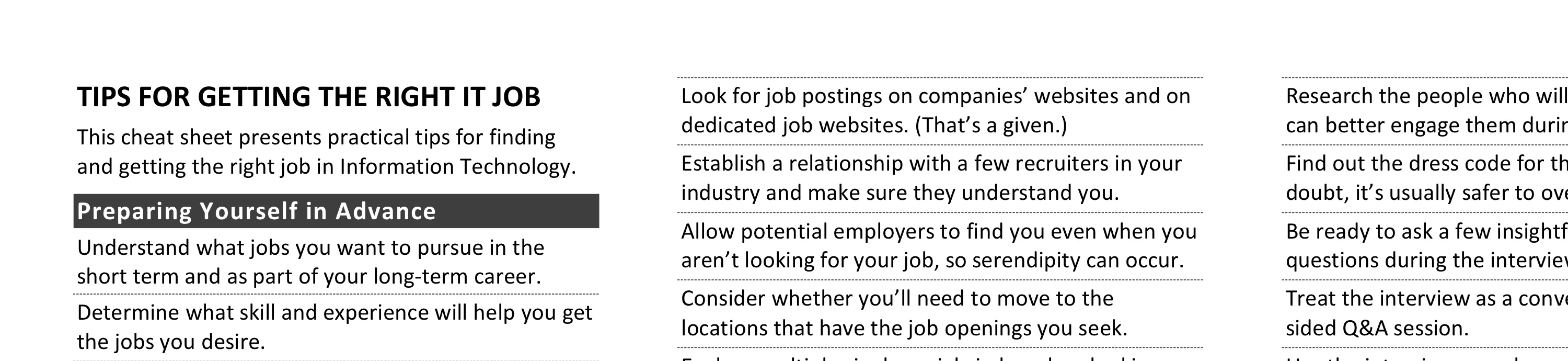
Tips for Getting the Right IT Job
Landing the right IT job requires advance preparation, strategic networking, and treating interviews as two-way conversations. Key practices include understanding the role’s requirements, customizing your resume, researching interviewers, and negotiating compensation packages with awareness of your alternatives.
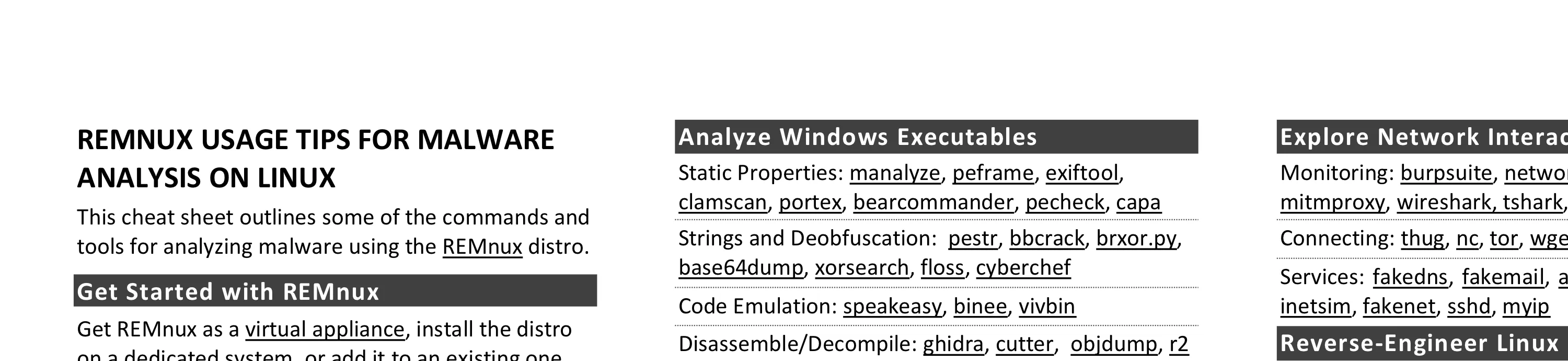
REMnux Usage Tips for Malware Analysis on Linux
REMnux provides a curated Linux environment for malware analysis. Its tools are grouped by task: Windows executables, scripts, documents, network interactions, and memory forensics. You’ll also find commands for common analysis steps and for getting the most out of REMnux.
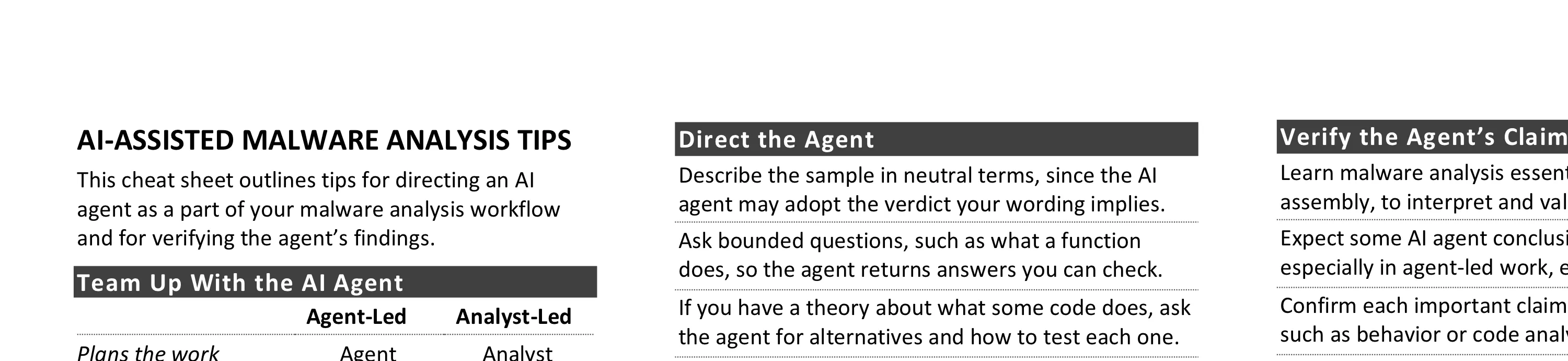
AI-Assisted Malware Analysis Tips
An AI agent can amplify a malware analyst’s skills, but the analyst must direct it and verify its findings. These tips cover how to split the work, set up a contained lab, delegate tasks, and question conclusions.
Tips for Creating a Strong Cybersecurity Assessment Report
Creating a strong security assessment report requires analyzing data beyond tool output, prioritizing findings by risk, documenting methodology and scope, and providing practical remediation guidance. Key qualities include a strong executive summary, logical structure, and concrete statements that avoid passive voice.
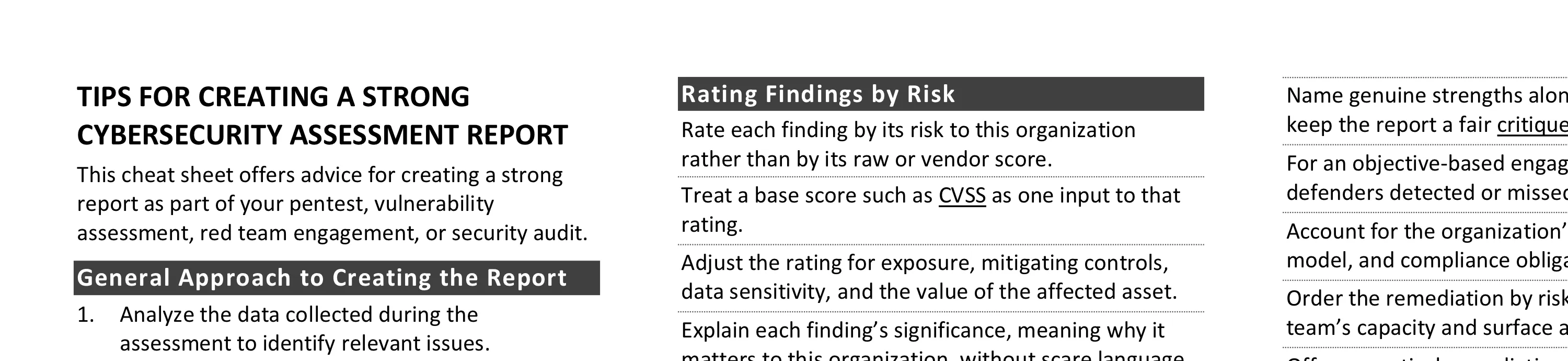
Critical Log Review Checklist for Security Incidents
Responders can use this checklist to review logs during an incident. It covers preserving logs that might expire, starting with the fastest searches, normalizing times, and spotting tampering. It lists what to look for in identity, cloud, network, web, Windows, and Linux logs.
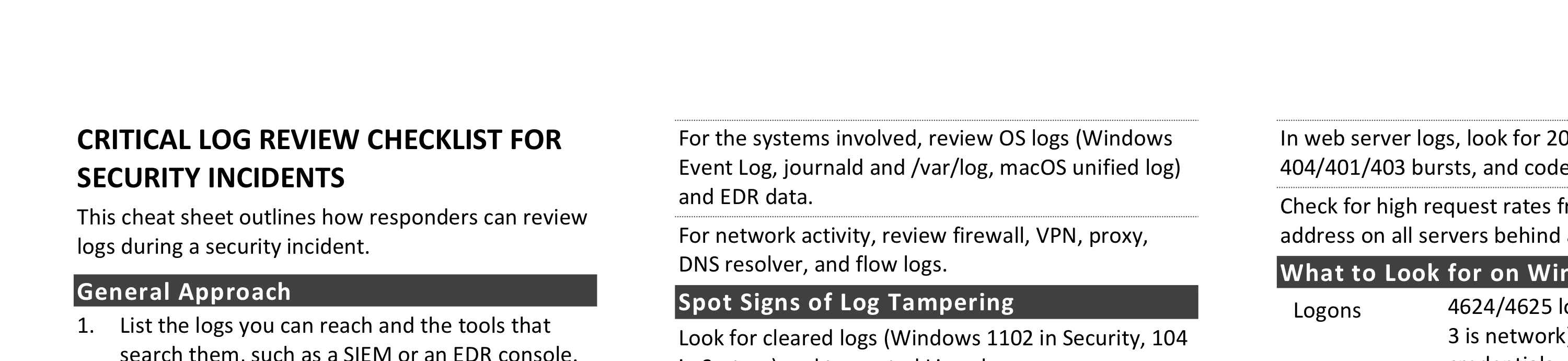
Cheat Sheet for Analyzing Malicious Documents
Analyzing malicious documents involves examining files for anomalies, locating embedded code, such as macros or JavaScript, extracting and deobfuscating suspicious content, and emulating shellcode. You’ll also find commands for Microsoft Office, RTF, and PDF files, plus tools for JavaScript and shellcode.
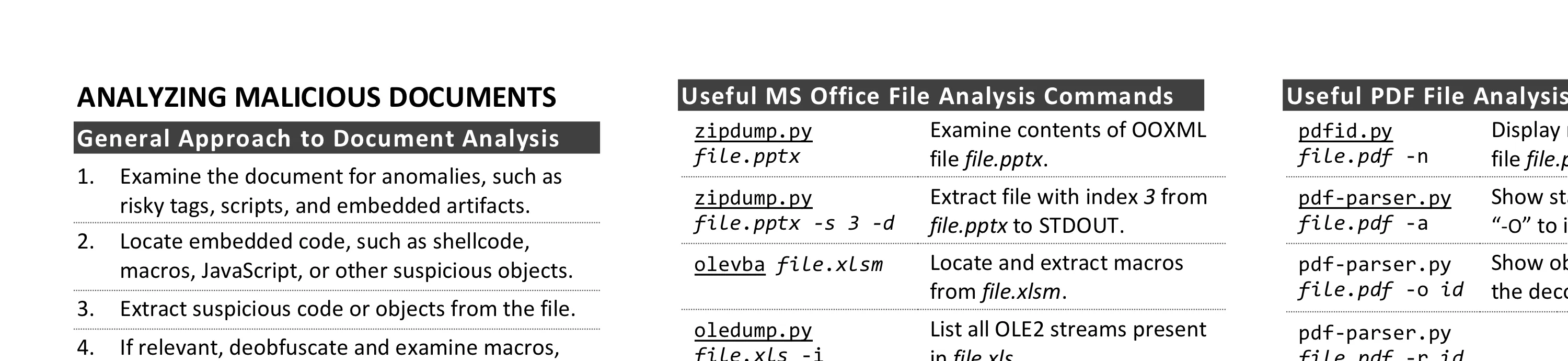
Security Architecture Cheat Sheet for Internet Applications
Initial design and review of Internet application security architecture covers four areas: business requirements (data classification, users, partners, regulations), infrastructure requirements (network, systems, monitoring), application requirements (data processing, access, monitoring), and security program requirements (operations, change management).
Troubleshooting Human Communications
Effective communication requires empathy, acknowledging different perspectives, and phrasing arguments using the other person’s terminology and objectives. Key tips cover email best practices, in-person conversations, presenting to executives, and improving skills through improv classes or Toastmasters.
Security Incident Survey Cheat Sheet for System Administrators
System administrators examining a suspicious system can decide whether to escalate while preserving evidence: start with the EDR or cloud console, review logs, connections, accounts, processes, and startup entries, avoid resets and reboots, and hand off what they saw. Windows and Linux commands support the initial look.
Initial Security Incident Questionnaire for Responders
When you take charge of a security incident, this sheet gives you the questions to ask: verify the incident is real, set up communications and decision rights, scope it across systems and identities, review what the initial survey changed, and plan containment. It also lists the details to capture for the incident report.
DDoS Incident Response Cheat Sheet
Responders can use this cheat sheet to prepare for and handle a DDoS attack. It covers what to arrange with your DDoS protection provider and ISP in advance. It also covers telling what the attack exhausts, mitigating it one change at a time, and handling extortion demands.
Malware Analysis and Reverse-Engineering Cheat Sheet
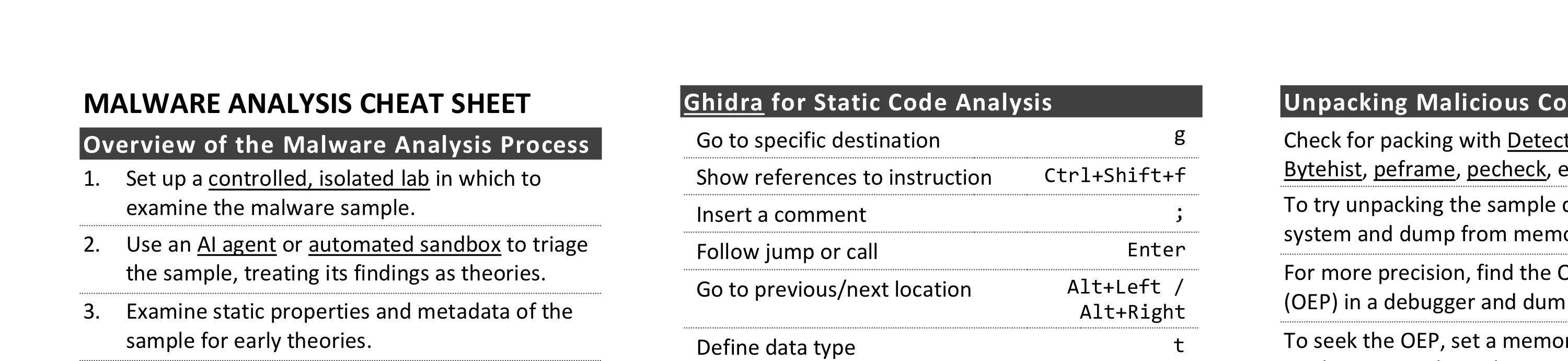
Malware analysis combines behavior analysis with static and dynamic code analysis to understand malicious software. Key steps include triaging with an AI agent or sandbox, monitoring system and network interactions, examining code with Ghidra and x64dbg, and unpacking protected samples.
Information Security Assessment RFP Cheat Sheet
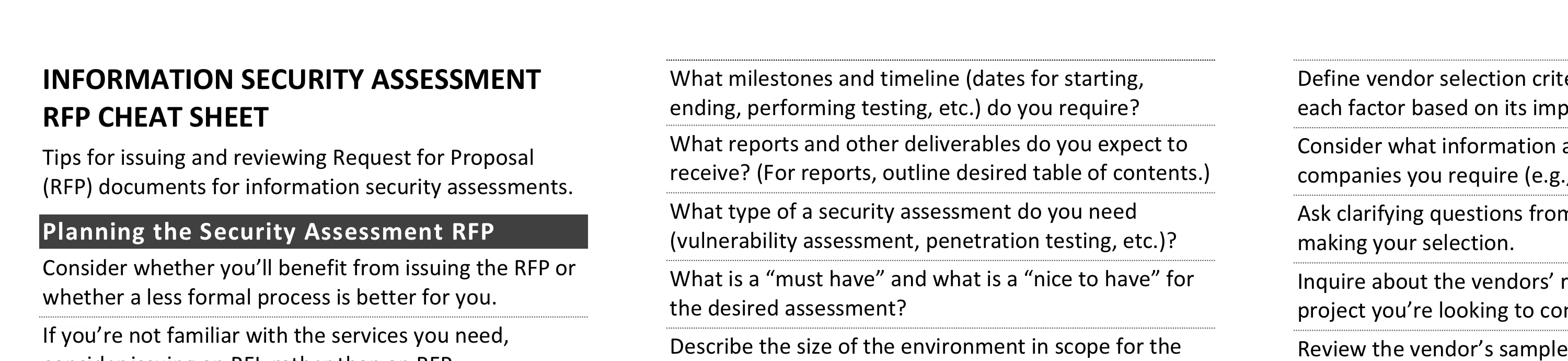
Effective security assessment RFPs require understanding what’s driving the need, ensuring staff availability, and defining realistic timelines and budgets. Key elements include specifying assessment objectives, expected deliverables, and criteria for vendor selection based on staff expertise and project management capabilities.
How to Suck at Information Security
A tongue-in-cheek collection of common security mistakes to avoid: deploying products without tuning them, treating all assets with equal rigor regardless of risk, locking down infrastructure so tightly that work becomes difficult, and assuming compliance equals security.